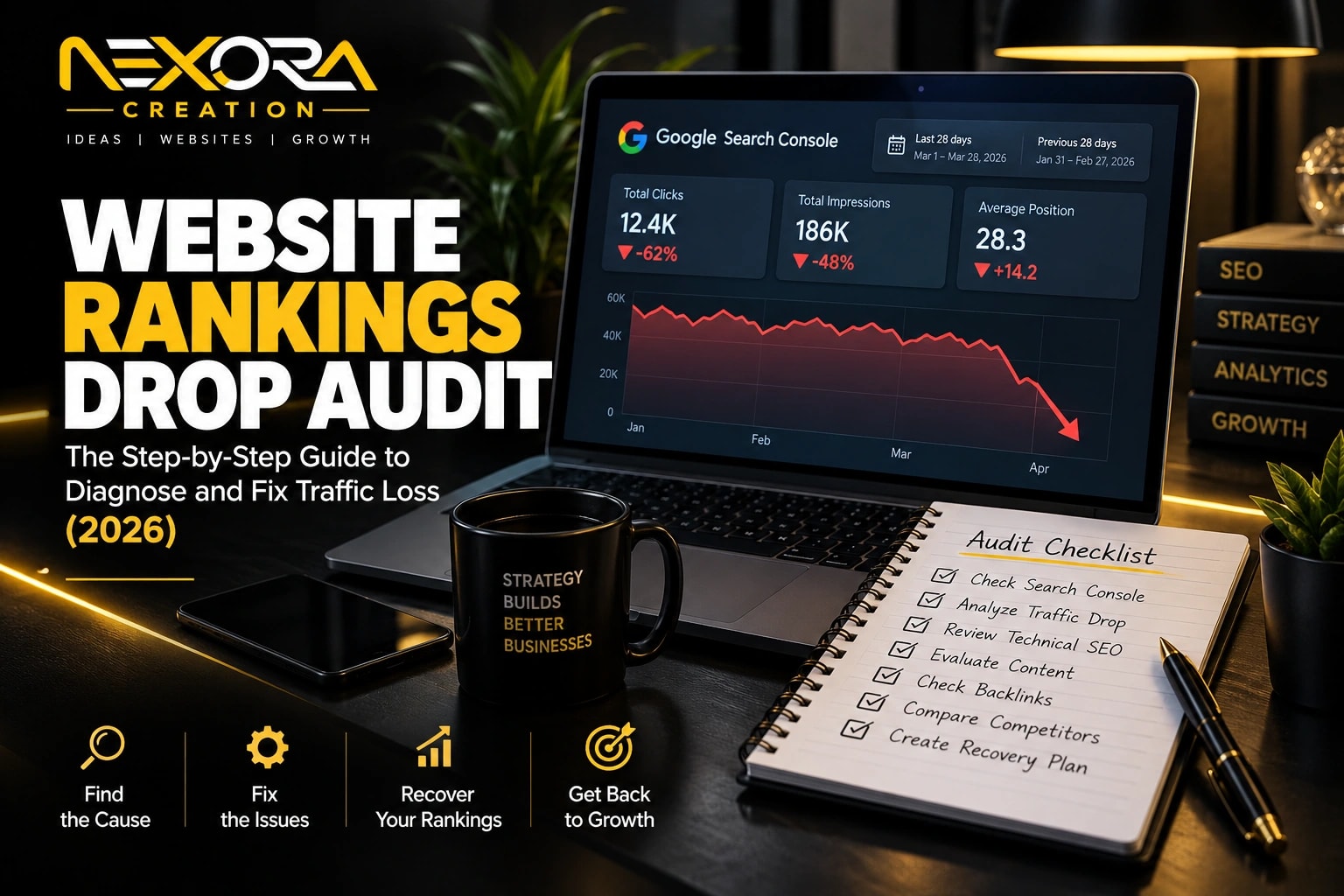
You check Search Console on a random morning and something’s off. Clicks are down. Impressions are down. A keyword that used to sit comfortably on page one is nowhere to be found. And now you’re staring at the graph wondering what changed, what broke, and whether it’s even fixable.
Here’s the good news: a website rankings drop is almost never a mystery once you know where to look. In seven years of running SEO and WordPress projects for 200+ clients, I’ve run this exact diagnosis more times than I can count — and the cause almost always falls into one of five buckets: a technical fault, a Google algorithm update, a content quality issue, a backlink loss, or a competitor simply doing it better than you right now.
This guide walks through a complete website rankings drop audit — the same framework I use before touching a single line of code or rewriting a single page. By the end, you’ll know exactly why your rankings dropped and what order to fix things in.
Short on time? Our SEO audit services cover technical issues, content decay and Search Console data in one report.
What Is a Website Rankings Drop Audit?
A website rankings drop audit is a structured investigation into why your search visibility fell. Instead of guessing — or worse, rewriting your entire site in a panic — it works backward from your own data: Search Console, your traffic history, the timing of the drop, and what changed on or around your site at that time.
The goal isn’t just to confirm you lost traffic. You already know that. The goal is to answer three questions:
- When exactly did it start?
- How wide is it — one page, one section, or the whole site?
- Why did it happen, and what’s the fastest path back?
First: Confirm the Drop Is Real (Not a Tracking Error)
Before you touch anything, rule out the boring explanation. A huge number of “ranking drops” business owners panic over turn out to be a broken analytics tag, not a lost ranking.
- Open Google Search Console first, not Google Analytics. GSC measures what happens on the search results page, so a broken GA4 tag, a cookie-consent update, or a plugin conflict won’t affect it.
- If your GSC clicks are steady but GA4 sessions crashed, your tracking broke — your rankings are fine. Check your consent banner and Tag Manager container before you do anything else.
- Check the same period last year. Seasonal dips (holidays, industry slow seasons) repeat every year and aren’t a ranking problem at all.
If Search Console confirms the drop is real, move to the audit.
The 15-Minute Triage
Everything you need for the first pass sits inside Search Console:
- Open Performance → Search Results and compare the last 28 days against the previous 28. Pin down the exact date the decline starts.
- Switch to the Pages tab. Did one page fall, one section, or the entire site?
- Switch to Queries. Are branded searches (your business name) holding steady while generic keywords dropped? That’s a good sign — Google still trusts your site.
- Open Manual Actions and Security Issues under Settings. A notice here overrides everything else in this guide — follow Google’s instructions first.
- Run URL Inspection on your three most important dropped pages. Confirm each is indexed and the canonical tag points where you expect.
At this point you know when it started, how wide it is, and whether Google has flagged your site directly. That’s usually enough to match a cause.
Match the Shape of the Drop to the Cause
| Shape of the Drop | Most Likely Cause |
|---|---|
| Overnight cliff, whole site | Technical fault — noindex tag, robots.txt block, hosting issue, hack |
| Slow slide over 2–6 weeks, many pages | Google core update |
| Positions steady, clicks falling | SERP layout change or AI Overviews |
| One page or one section only | Competitor outranked you, content edited, keyword cannibalization |
| Started right after a redesign or migration | Broken redirects, changed URLs |
| Notice in Manual Actions | Penalty — follow the notice directly |
Let’s go through each one.
1. The Overnight Cliff: A Technical Fault
Sitewide overnight crashes are almost always self-inflicted. In my own audits, an accidental developer mistake causes more of these than Google’s algorithm ever does.
- A stray noindex tag. Staging sites carry a noindex tag so Google ignores them. Push a staging update live without removing it, and the whole site can vanish from search within days. URL Inspection shows this instantly.
- robots.txt blocking. A single Disallow: / line stops crawlers cold. Visit yoursite.com/robots.txt and check — it takes ten seconds.
- Hosting or server downtime. If your site was down for a day or two, rankings usually recover on their own once it’s stable again.
- An expired SSL certificate. Browsers throw security warnings, visitors bounce, and Google notices the drop in trust signals.
- A hack. Search site:yourdomain.com on Google and look for pages you never wrote — pharma spam, casino pages, gibberish URLs are the usual signs.
If the crash followed a redesign or migration, check your redirects first. Changed URLs without proper 301 redirects mean every old page now 404s — and every ranking tied to it is orphaned. Map old URLs to new ones and redirect them immediately; the longer they sit broken, the more ranking equity you lose.
2. The Slow Slide: A Google Core Update
Google ships several confirmed core updates a year, listed on its Search Status dashboard with start and end dates. Lay those dates against your Search Console graph — if your decline begins within a day or two of a rollout, you’ve found your cause.
Be realistic about recovery here: sites hit by a core update rarely bounce back the following week. Google tends to reassess affected sites during later updates, which means the work you do now — strengthening thin pages, adding real expertise and clear authorship, cutting content that was written for algorithms instead of people — often pays off months later, not days.
3. Positions Steady, Clicks Falling: The SERP Moved Around You
This is the one that confuses most site owners. Your average position in Search Console holds at 3 or 4. Impressions look normal. But clicks keep sliding anyway.
The results page itself changed underneath you — more ads above the fold, a map pack inserted, or an AI Overview answering the query before anyone scrolls down. When an AI Overview appears, a meaningful share of clicks that used to land on your site simply disappear, because the searcher got their answer without leaving Google.
What actually helps here: weight your content toward commercial, decision-stage queries (AI Overviews show up far more on informational searches), structure your pages so they’re easy to cite as a source, and start tracking leads and conversions rather than raw click volume alone.
4. On-Page and Content Weaknesses
Even without a core update or a technical fault, weak on-page fundamentals quietly cost rankings over time:
- Title tags and meta descriptions that don’t match search intent or are duplicated across pages.
- Thin or outdated content — pages that haven’t been touched in years while competitors keep refreshing theirs.
- Keyword cannibalization — two of your own pages competing for the same query, splitting your own ranking strength instead of combining it.
- Weak internal linking, so your most important pages aren’t getting enough authority passed to them from the rest of the site.
These are frequently the fastest wins available in a rankings drop audit. Fixing a title tag or merging two competing pages can shift rankings within weeks, not months.
5. Lost or Weakened Backlinks
Backlinks remain one of the strongest ranking signals. If a high-authority page that used to link to you removed that link — or your competitor picked up a wave of new links you didn’t — that alone can explain a decline tied to specific keywords. Review your referring domains for both losses and new toxic, spammy links that may be dragging your profile down.
6. One Page Dropped: Study the Page and the Competitor Who Took Your Spot
Search the keyword in an incognito window and see who’s sitting where you used to be. Read their page next to yours — is it fresher, deeper, faster on mobile, or simply more useful? Then check your own page’s history: did a plugin update silently rewrite your title tag? Did someone trim the content during a cleanup? Did you publish a new post that’s now competing with the old one for the same query?
The Recovery Roadmap
Once you know the cause, sequence your fixes by impact, not by what feels most urgent:
- Fix critical technical errors first. Restoring crawling, indexing, and broken redirects recovers visibility fastest — often within days.
- Optimize on-page elements on your priority pages — titles, headings, internal links, and search intent alignment.
- Refresh and strengthen content on pages hit by a quality-focused update — add depth, clear expertise, and current information.
- Clean and rebuild your backlink profile — disavow toxic links where genuinely warranted, and reclaim or replace lost ones.
- Re-submit your sitemap in Search Console once fixes are live, and request re-indexing on your priority pages.
- Give it time. Technical fixes can show movement in days. Core update recovery is usually measured in months, not weeks — anyone promising an overnight fix is guessing.
What to Avoid During a Rankings Drop
- Don’t rewrite every page in a panic over one weekend. You destroy your own ability to tell which change actually worked.
- Don’t buy backlinks to compensate. It reads as desperation to Google, and it can make things worse.
- Don’t file a disavow unless you have an actual manual action for unnatural links — without one, it can only hurt.
- Don’t switch domains. You’ll trade a diagnosable problem for a brand-new one.
- Don’t check rankings daily. Judge recovery weekly. Daily fluctuation is normal and will drive you in circles.
Frequently Asked Questions
How long does a website rankings drop audit take? A focused audit using the framework above usually takes a few hours to a day, depending on site size. You’ll typically have a clear cause identified the same day.
How quickly can rankings recover after fixing the issue? Technical fixes — like removing an accidental noindex tag — can show recovery within days once Google recrawls the page. Content and backlink work takes longer, usually a few weeks. Core update recovery is the slowest, often tied to the next confirmed update.
How do I know if it’s a Google penalty and not just a drop? Check Manual Actions and Security Issues in Search Console. A real penalty always shows a written notice there. If both are clean, you’re dealing with a core update, a technical fault, or a SERP change — not a penalty.
Should I redesign my website after a rankings drop? Not yet. A redesign during an active drop changes too many variables at once, making it nearly impossible to tell what helped and what hurt. Diagnose the actual cause first, fix it, and treat a redesign as a separate, planned project with proper 301 redirects in place.
Ready to Fix Your Rankings?
If your traffic dropped and you’re not sure why, running through this checklist yourself is the right first step — but if you’d rather have someone experienced pinpoint the exact cause and hand you a prioritized fix list, that’s exactly what I do for clients at Nexora Creation.